Smartphone Video Making Kit with Microphone, LED Light & Tripod for Live Streaming & TikTok
This item is an AY-49 Video-Making Kit designed for vlogging and smartphone video recording. Components: Includes a mini microphone, LED fill light, foldable tripod, and phone holder. Purpose: Ideal for TikTok, YouTube, and general content creation.Features: Features a noise-reduction microphone an
₦30,625.00
₦31,250.00
Save 2%
25 units left in stock
27 people are viewing this right now
SKU: CCM-419571560
Fast delivery — Delivery is calculated at checkout. Free delivery on eligible orders.
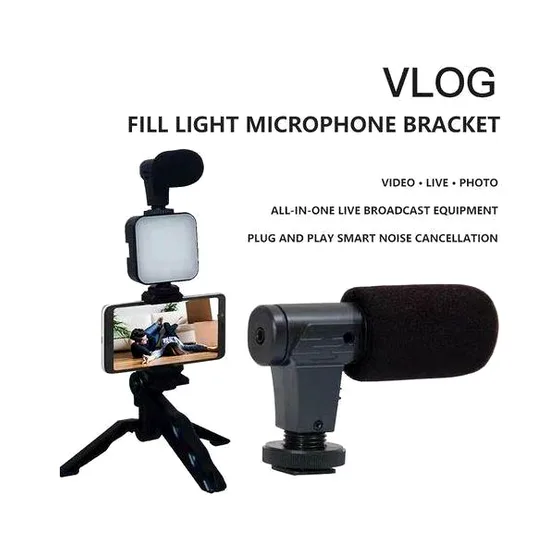
This item is an AY-49 Video-Making Kit designed for vlogging and smartphone video recording.
Components: Includes a mini microphone, LED fill light, foldable tripod, and phone holder.
Purpose: Ideal for TikTok, YouTube, and general content creation.
Features: Features a noise-reduction microphone and a compact, ergonomic design for portability.
Kit Components
The package includes essential tools for enhancing mobile video and audio quality:
LED Fill Light: A 49-bead lamp providing 6500K color temperature for uniform lighting.
Shotgun Microphone: A noise-reduction condenser mic with a 3.5mm TRRS plug for clear audio capture.
Dual-Use Tripod: A foldable stand that serves as both a desktop tripod and a handheld grip.
Universal Phone Clamp: An adjustable holder fitting most smartphones (approx. 5.4cm–10cm) with a cold shoe mount for attaching the light and mic.
Bluetooth Remote Shutter: A wireless control to start and stop recordings remotely.
3.5mm TRRS Cable: Used to connect the microphone to your smartphone
Setup Instructions
Assemble the Tripod: Extend the legs to place it on a surface, or keep them folded for handheld use.
Mount the Phone Holder: Screw the phone clamp onto the top of the tripod.
Attach Accessories: Slide the LED light into the cold shoe mount of the phone holder, then mount the microphone on top of the LED light.
Connect Audio: Plug the 3.5mm cable into the microphone and your phone's headphone jack.
Note: Modern iPhones and some Androids require a lightning or USB-C to 3.5mm adapter to connect the microphone.
Power On: Insert 2 AA batteries into the LED light (not included) and long-press the power button.
Pair Remote: Switch on the Bluetooth shutter and pair it with your phone (typically listed as "AB Shutter 3") to control your
No reviews yet. Be the first to review this product!
Sign in to write a review.
Delivery is calculated at checkout. Free delivery on eligible orders.
Returns: See our return policy.
Questions & answers (0)
No questions yet — be the first to ask the seller.
You may also like
-77%
-36%
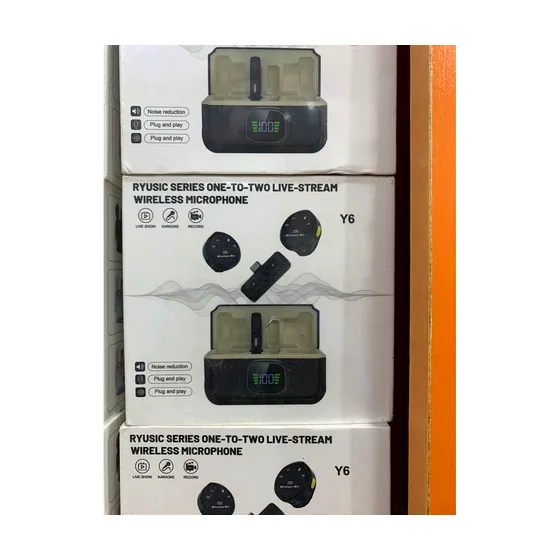
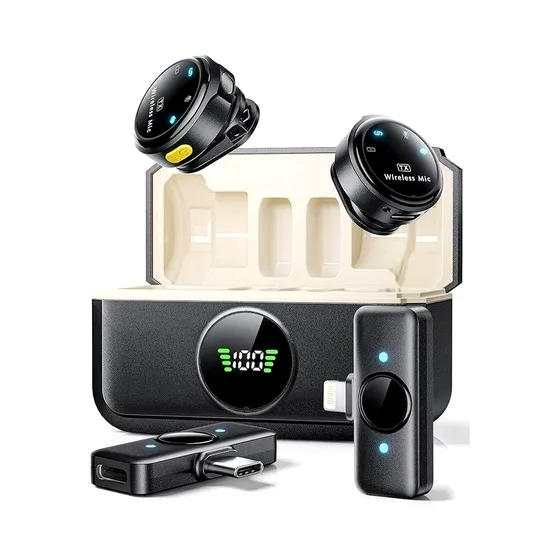
Y6 wireless microphone with noise cancelling
₦36,250.00
₦56,250.00
-27%
-12%
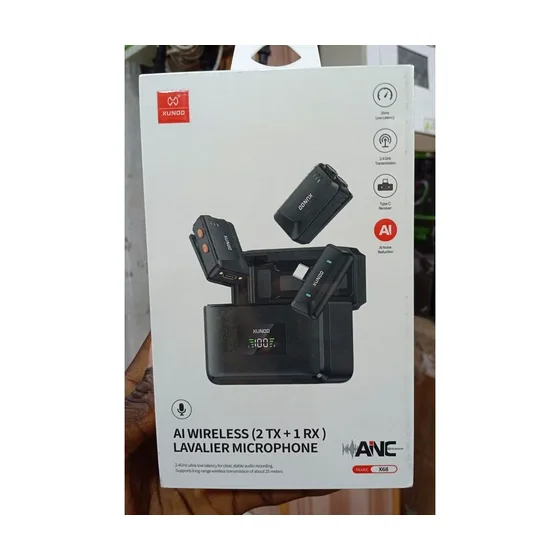
XUNDD X68 AI Wireless Lavalier Microphone (2 TX + 1 RX) - Type-C Lapel Mic with Charging Case
₦106,250.00
₦121,250.00
