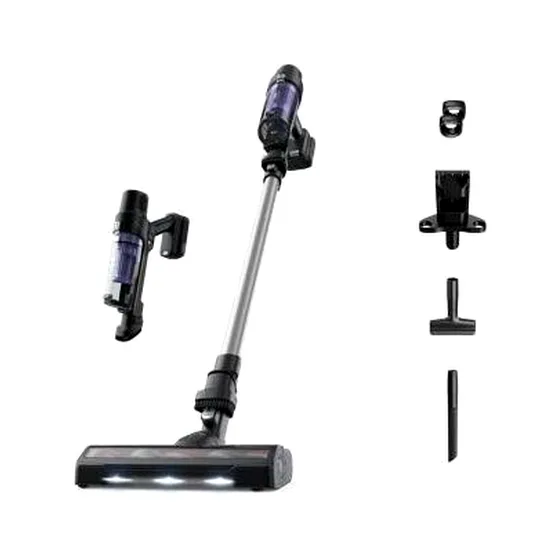
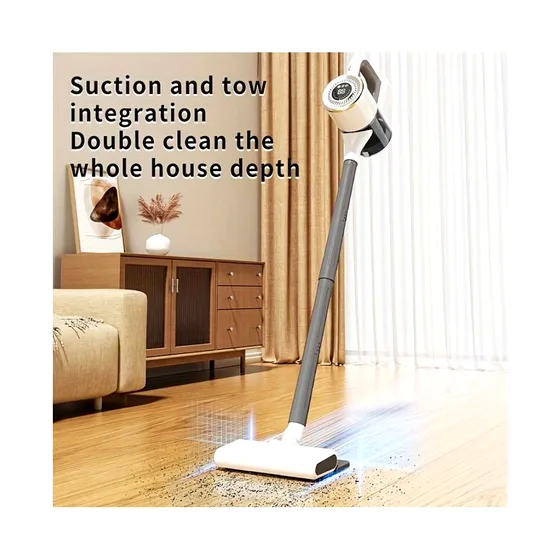
Multi-Function High-Power Cordless Handheld Vacuum Cleaner with Mop Function
Operating instructions1. On/standby/gear button: Press and hold this button for 2 seconds to turn on the machine.The digital display screen will show the running gear, and the battery indicator, wireless handheld icon indicator, multiple filtering icon indicator, and hurricane suction icon indicator
₦88,125.00
₦134,062.50
Save 34%
25 units left in stock
19 people are viewing this right now
SKU: HKT-419959183
Fast delivery — Delivery is calculated at checkout. Free delivery on eligible orders.
Operating instructions
1. On/standby/gear button: Press and hold this button for 2 seconds to turn on the machine.
The digital display screen will show the running gear, and the battery indicator, wireless handheld icon indicator, multiple filtering icon indicator, and hurricane suction icon indicator will light up. The machine will default to running in low gear; Short press this button to switch gears, with a total of three gears. Cycle between low gear, medium gear, and high gear.
Press and hold this button again for 2 seconds to turn off the machine and enter standby mode.
2. The battery indicator light flashes and lights up during charging, and when fully charged, the battery indicator light remains on.
Cleaning and maintenance
Please turn off the device and disconnect the charging power before cleaning.
1. Press the buckle and open the lower cover of the dust cup to dump the dust.
2. Hold the suction handle with your left hand and rotate the body counterclockwise above the host with your right hand.
3. Separate the host from the dust cup vertically.
4. Rotate the filter inside the dust cup counterclockwise to remove the filter.
5. Take out the filtered Hypa.
6. The filter and filter sponge can be rinsed with water and left to dry before being put back into the dust cup.
No reviews yet. Be the first to review this product!
Sign in to write a review.
Delivery is calculated at checkout. Free delivery on eligible orders.
Returns: See our return policy.
Questions & answers (0)
No questions yet — be the first to ask the seller.
You may also like
-42%
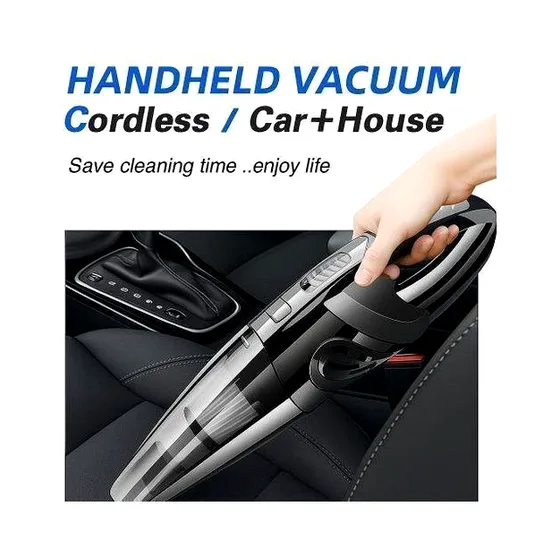
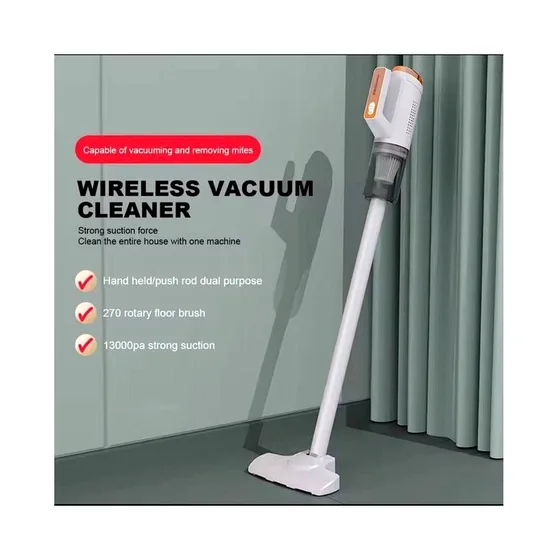
Wireless Vacuum Cleaner Rechargeable For Car Home, 120w
₦23,125.00
₦39,582.50
-13%
-12%
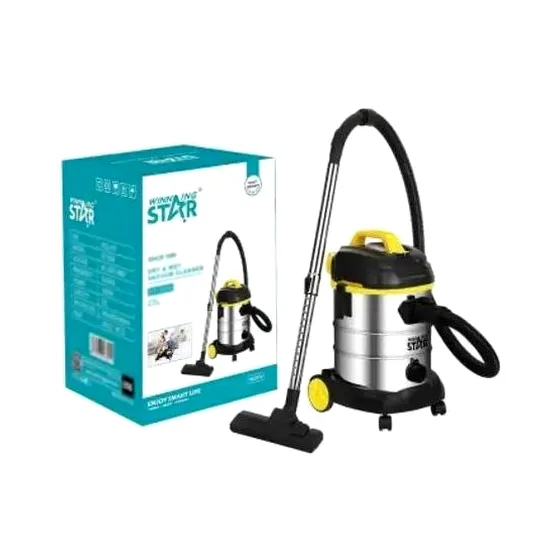
Winning Star Wet And Dry Vacuum Cleaner 25L
₦143,750.00
₦162,500.00
