-1%
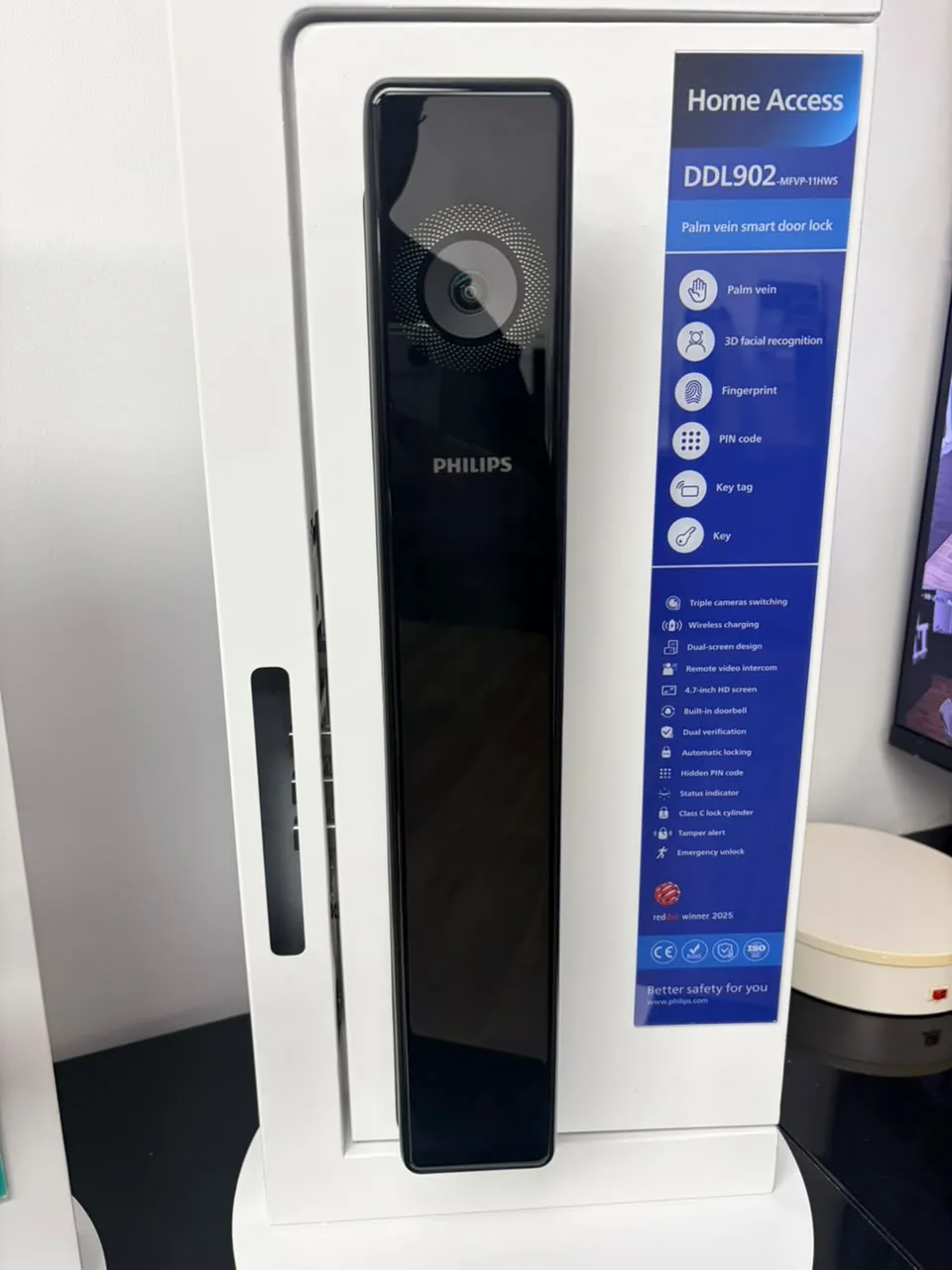
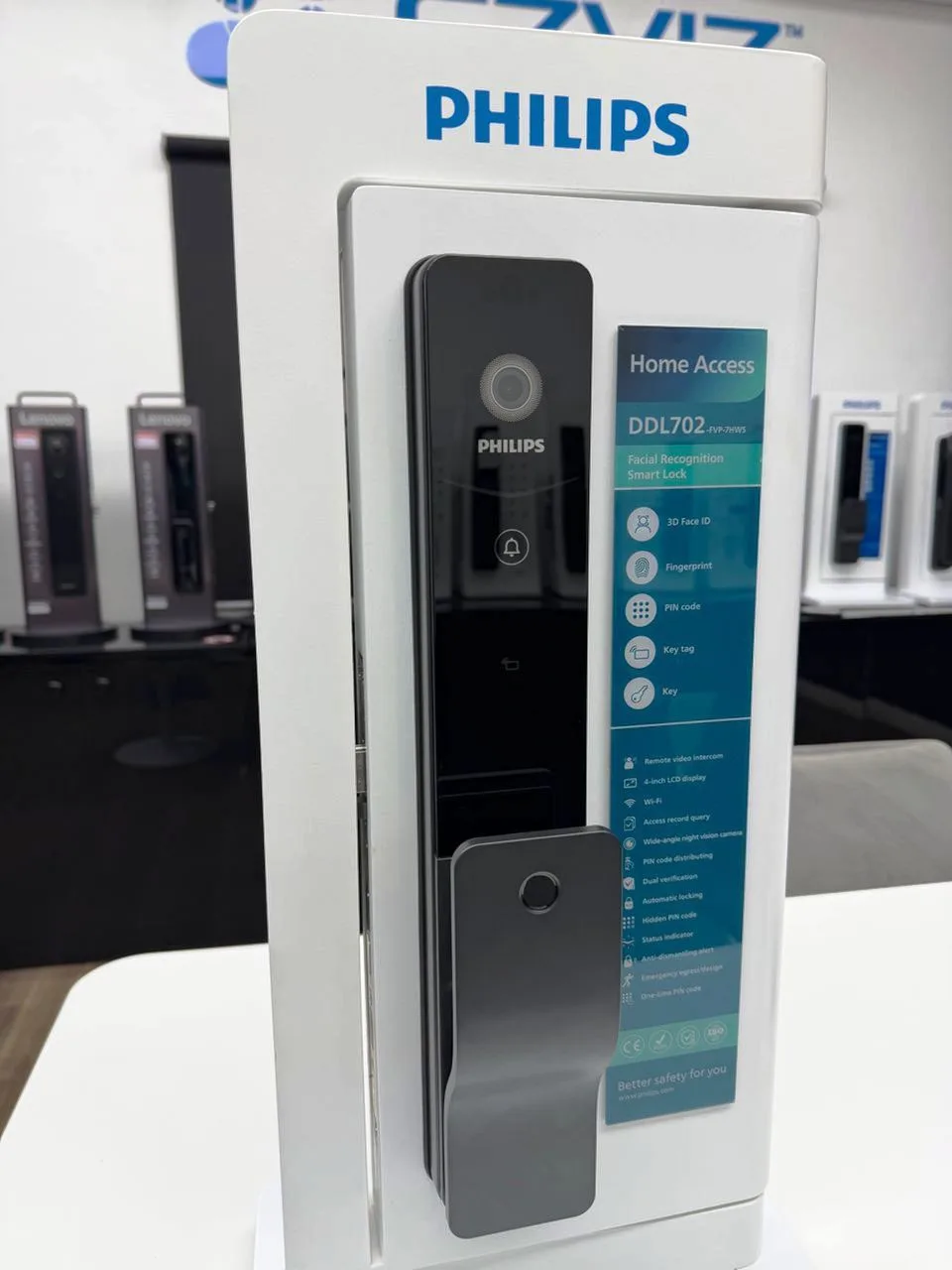
Philips Smart Door Lock DDL902-MFVP-11HWS
₦960,704.00
₦968,704.00

Install our mobile / desktop app for one-click access — no app store needed, and it works on laptops too.
The install option only exists in Safari on iPhone/iPad — if you are reading this in Chrome or Firefox, open p4shops.com in Safari first.
Seeing “Unsafe app blocked / built for an older version of Android”? Uninstall the old P4SHOP app, update Chrome, then install again from this page. The website itself does not install an APK.
You are using Samsung Internet. Samsung’s current app packager can create an old Android package, which makes Google Play Protect show “Unsafe app blocked — built for an older version of Android.” This is a Samsung Internet packaging issue, not the P4SHOP website.
Already installed from Chrome? Close this window — the app will update automatically.
You are using the installed app. Turn on notifications below to hear about new products and delivery updates.
Installed securely by your browser from the official p4shops.com site over HTTPS — there is no APK to download, so Android “Play Protect” warnings do not apply. The app opens in its own window, launches from your home screen / desktop and keeps you signed in.